Connecting to MONTAGE via JupyterLab
- SSH to MONTAGE.
- Lets open a screen.
screen -ls       # Just checking if we have existing screens?
screen -S jupy # I am creating a new screen named 'jupy'- Great! You are in a screen. That way, your processes can still run in the background, even if you close the terminal window.
- Open jupyter lab.
jupyter lab - Take note of the port number.
- Exit the screen. Click
Ctrl-A, then clickD, to exit the screen. - Your jupyter lab session is now running in background.
- Open your favourite internet browser. Go to:
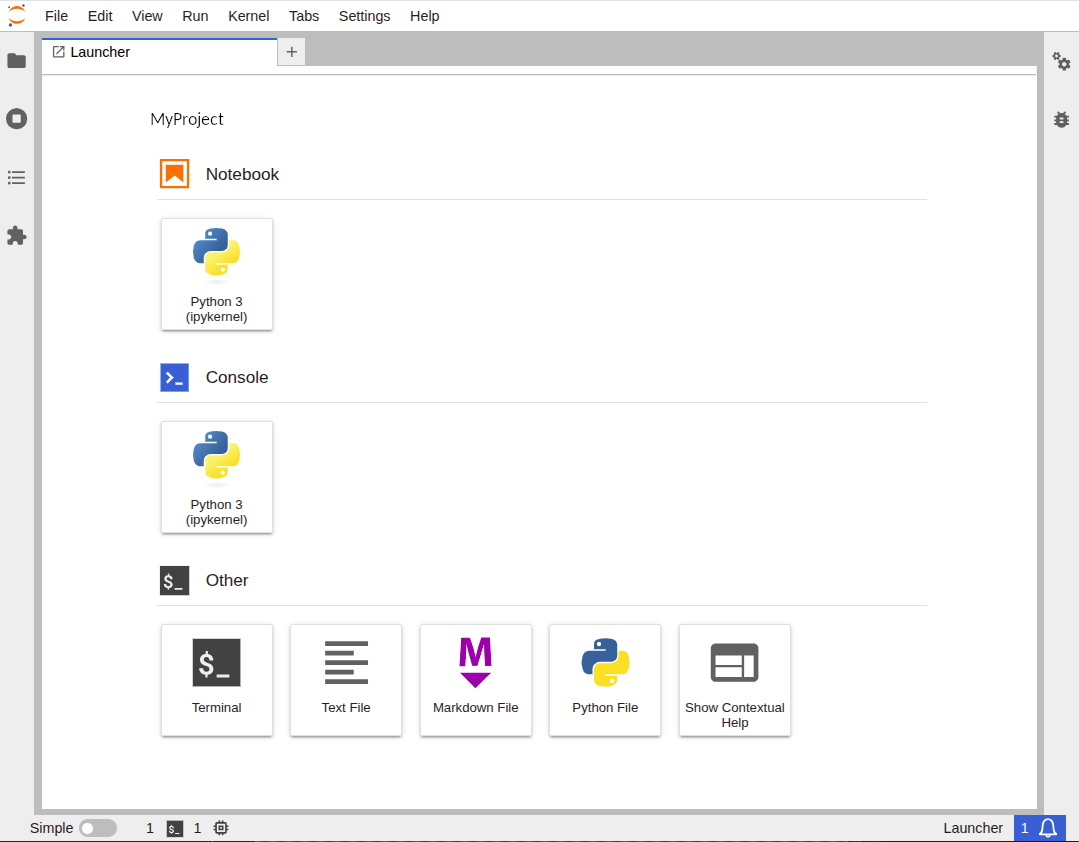
https://10.168.151.1:[port-number] - You are now in!
tip
I like JupyterLab, but if you prefer Jupyter Notebook, you can do that too. Just type jupyter notebook instead.