Create your HPC ID account
If you don't have an account, request for an HPC ID account. This account is not the same as the network account or your email account. Follow these steps:
- Go to this iLab link.
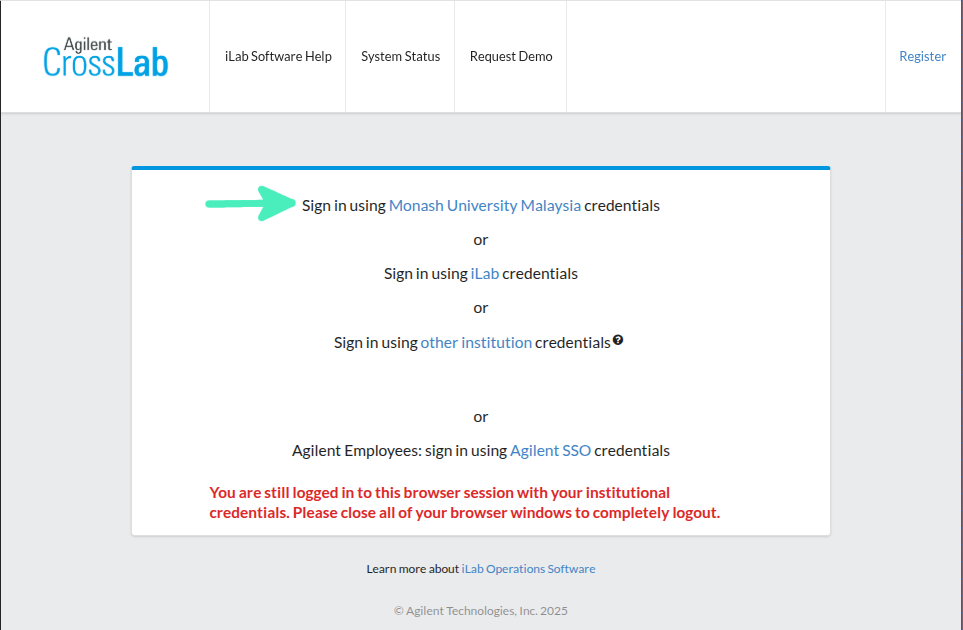
- Sign in using Monash University Malaysia credentials.
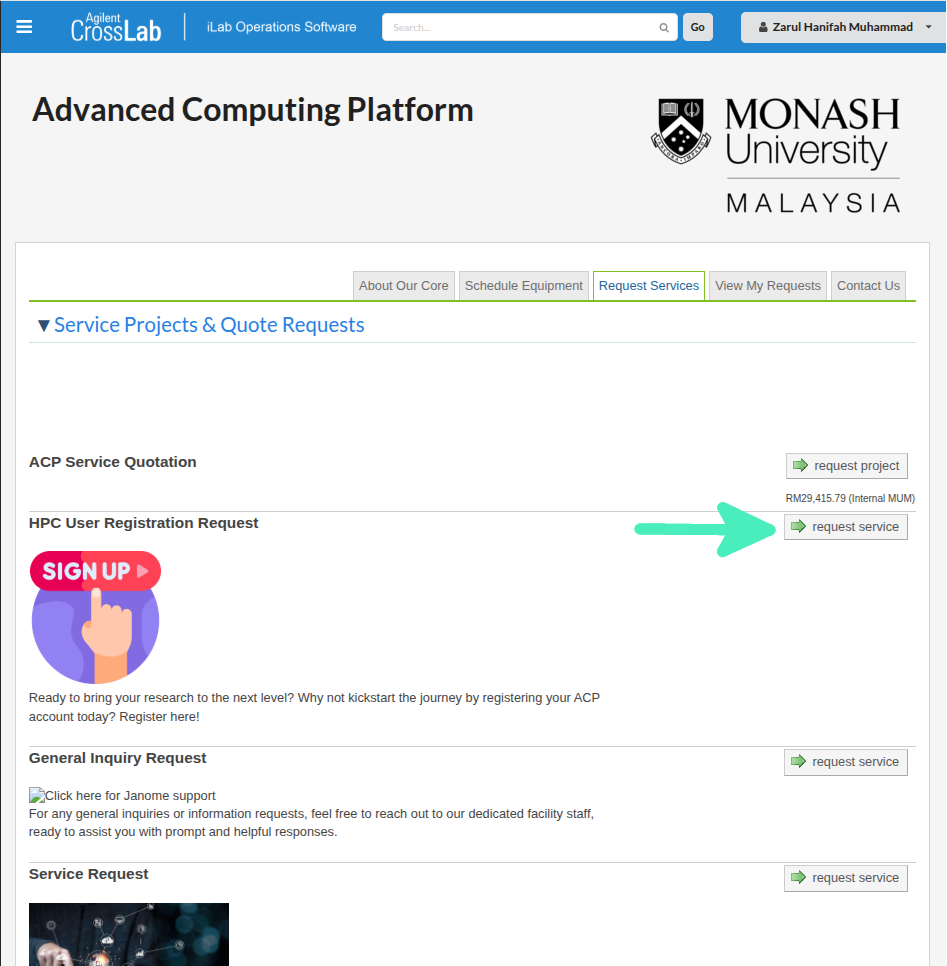
- Sign Up! Click 'request service' on HPC User Registration Request.
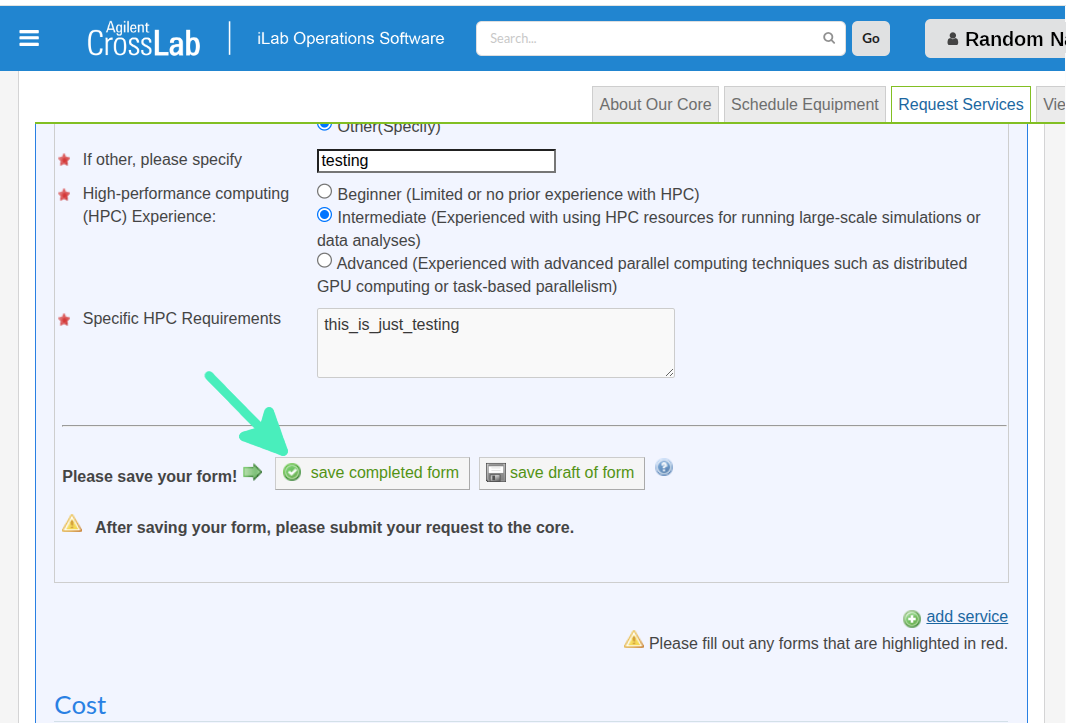
- Fill in the details.
- Save your completed form.
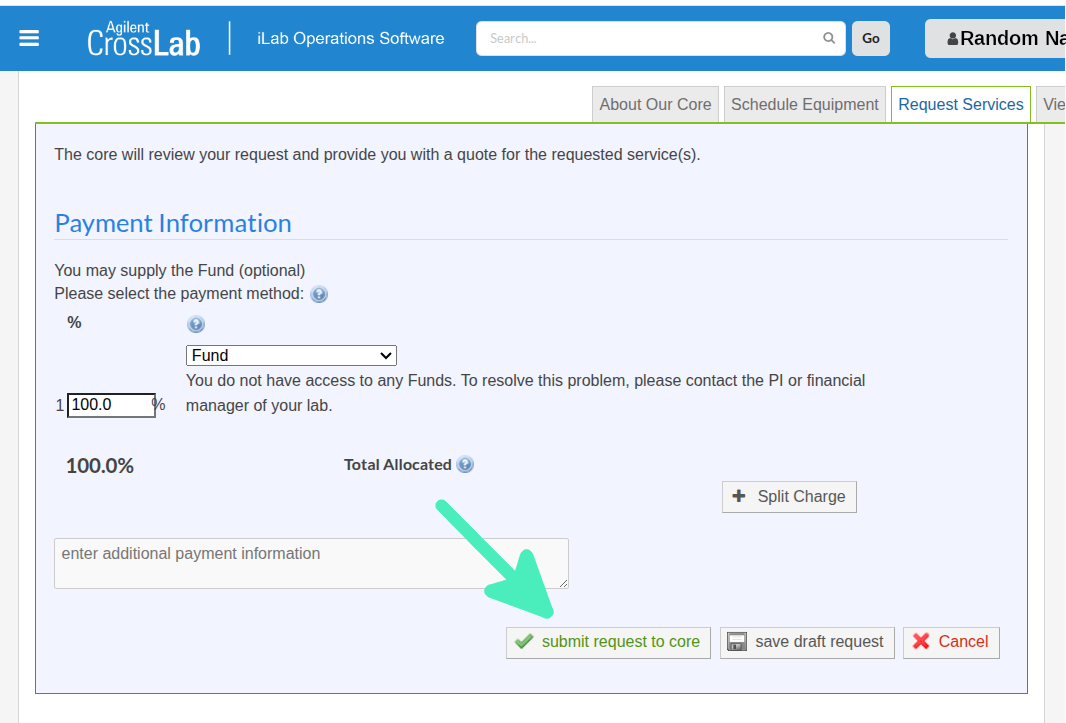
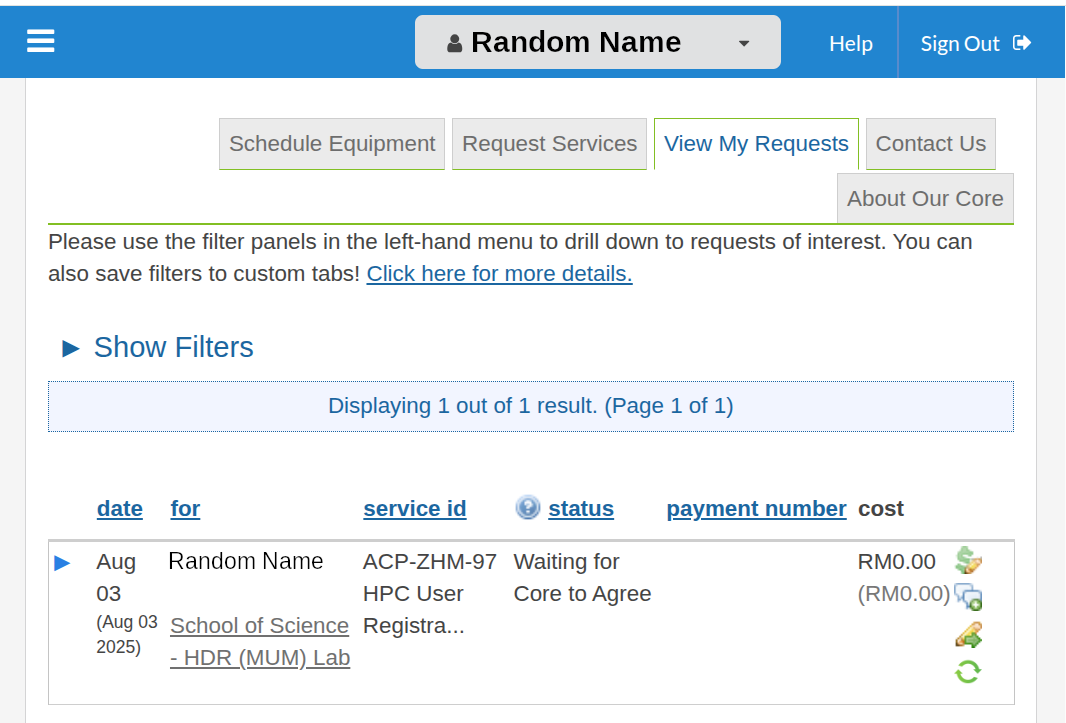
- Dont forget to submit your request! Scroll down and click on 'submit request to core'.
- You will be directed to this dashboard.
Do not share your HPC ID account!
Just create a new account, dont share your accounts. DO IT AT YOUR OWN RISK!
- What if another person deleted your files?
- What if the other person copy your files, and write on your work?
Where can I use MONTAGE?
Anywhere as long as you are in Monash Malaysia internet network! But, if you have to work from home, you can... with a bit of know-how:
- Get on to Monash Malaysia GlobalProtect VPN
- Try access MONTAGE! Read here to know the different ways to connect to the ACP.